Incoming email automation
A selected mailbox can be monitored to identify the message type, extract important details, assign a department, create a task, draft an acknowledgement, flag urgent requests, and escalate uncertain cases.
Workflow Automation
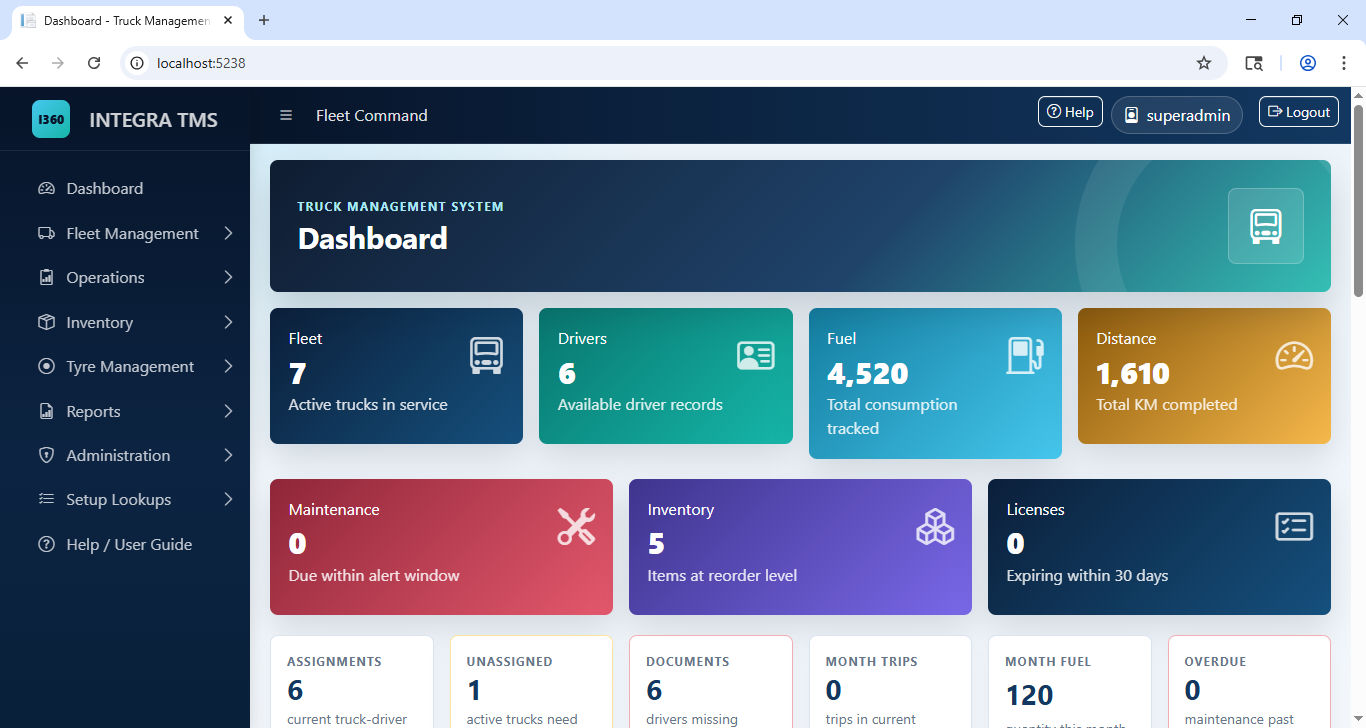
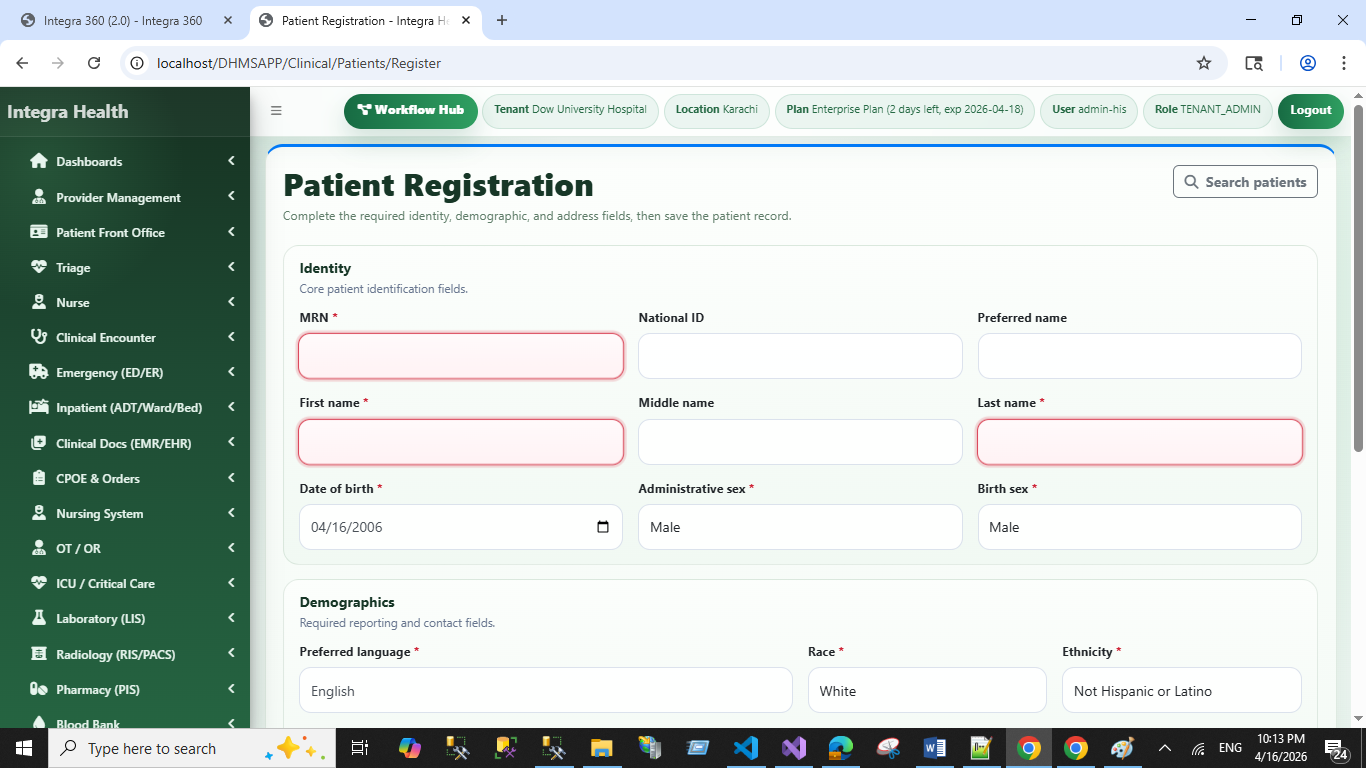
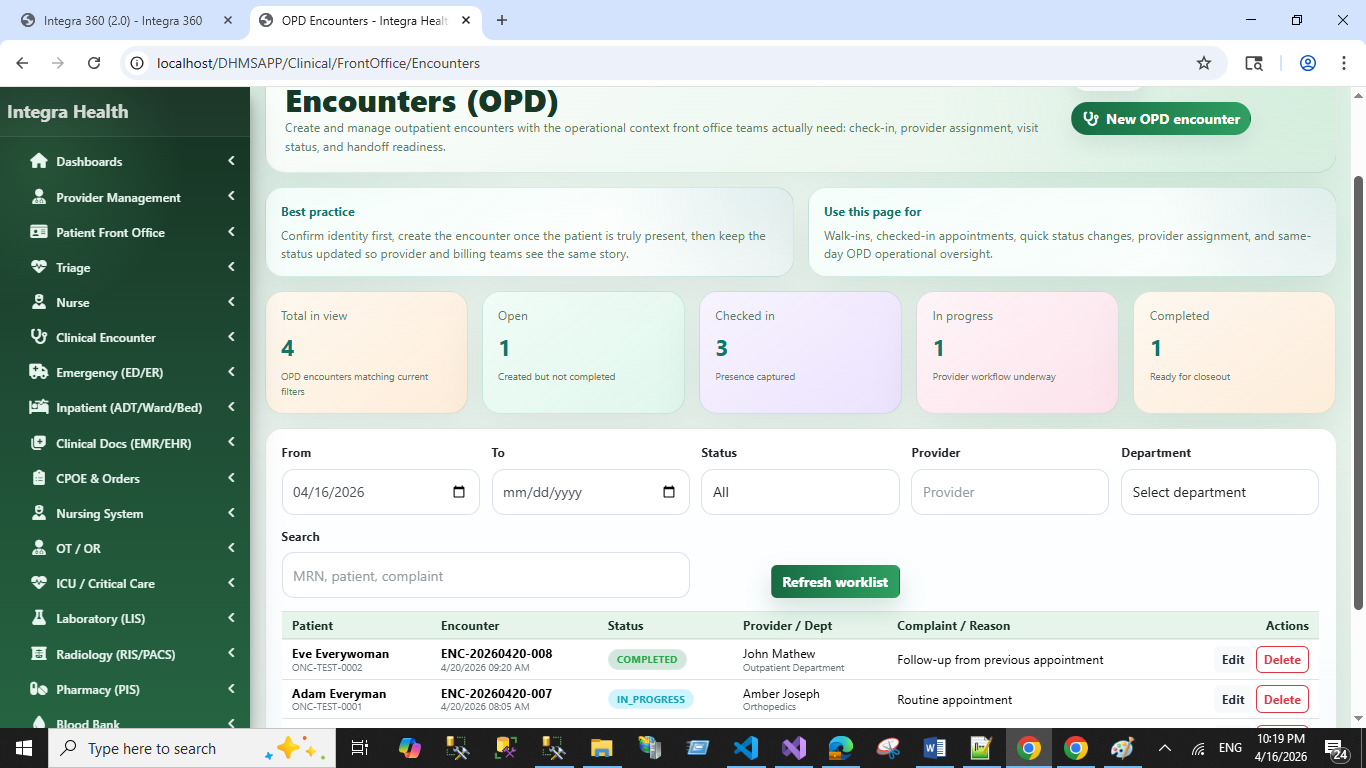
i-360 combines business rules, integrations, notifications, task routing, and AI-assisted steps to reduce repetitive coordination while directing exceptions and important decisions to the right people.
A working automation can receive a request, validate information, apply rules, assign tasks, request approval, notify users, record status, and surface exceptions in an operational view.
We identify triggers, inputs, decision points, owners, handoffs, delays, duplicate entry, exceptions, and required evidence before selecting what should be automated.
Low-confidence documents, unusual requests, policy exceptions, sensitive actions, and final approvals can be routed to authorized staff with context and an audit history.
Depending on scope, the client can receive workflow analysis, process design, automated steps, business rules, integrations, human approval points, exception queues, notifications, dashboards, audit history, deployment, documentation, and user training.
Representative workflows include incoming email triage, customer onboarding, complaint routing, appointment requests, document review, approvals, and scheduled management reporting.
Practical Examples
These examples illustrate possible scopes. Final automation depends on supported integrations, approved rules, representative data, testing, and the client’s review requirements.
A working automated business workflow connected to the company’s real process.
Operations teams, customer-service departments, healthcare administration, sales and finance teams, logistics businesses, and companies using several disconnected systems.
A selected mailbox can be monitored to identify the message type, extract important details, assign a department, create a task, draft an acknowledgement, flag urgent requests, and escalate uncertain cases.
The workflow can collect customer information, check required documents, validate fields, create internal tasks, request missing information, send approved updates, and record progress.
The system can classify the complaint, identify urgency, search the permitted customer record, route the case, prepare a response draft, track resolution time, and escalate overdue work.
The workflow can collect request details, check required information, connect to scheduling where supported, offer available options, send confirmation, and escalate complex requests to staff.
The workflow can collect approved data from multiple systems and prepare daily summaries, weekly performance reports, exception lists, overdue-task reports, and management-commentary drafts.
Start a Conversation
Share the trigger, steps, systems, decision makers, exceptions, volumes, delays, and desired outcome. That evidence helps define a realistic automation scope.
Book a free consultationWorkflow Automation FAQ
Good candidates are repeated, rule-guided processes with identifiable inputs, owners, outputs, and exceptions, such as intake, routing, approvals, notifications, document checks, and reporting.
No. Many reliable workflows use forms, rules, APIs, schedules, and notifications. AI should be added only where classification, extraction, summarization, or language understanding provides a clear benefit.
Yes. The design can include review queues, approval gates, confidence indicators, reason codes, exception handling, and audit trails.
Where supported access is available, workflows can exchange data through APIs, databases, files, forms, or middleware with validation and error handling.
Useful baselines can include handling time, staff effort, backlog, response time, missed tasks, manual steps, and exception volume. The selected measures depend on the workflow.
Actions that require qualified judgment, legal or clinical authority, sensitive approval, or handling of uncertain exceptions should remain with an authorized person.